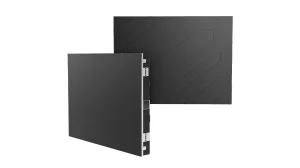
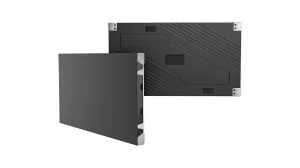
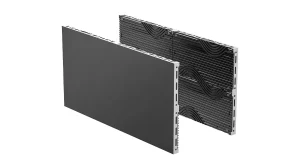
All-in-One COB LED TV
 Flexible LED Displays
 Transparent LED Displays
 Led Poster
 Circular LED Displays
 Column LED Screens
 Creative & Custom LED Displays
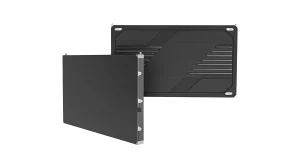
Fine Pitch
COB Pro
Flip-chip COB with surface coating film for unmatched contrast and flatness. 3-in-1 Hub Board or ...
Video walls, rental panels and custom LED forms.
The viewing reference checks pixel spacing, not text readability or camera performance. Test important text and content at the intended distance. Brightness, mounting, structural loads and service access require project review.
Open the full LED calculatorTry a product name or remove a condition. A custom shape or a different installation may need a project-specific configuration.
Flip-chip COB with surface coating film for unmatched contrast and flatness. 3-in-1 Hub Board or ...
Flip-chip COB technology at a price point competitive with premium SMD. Industry-standard 320×160...
MIP 0202 Micro LED in Package — the next-generation fine pitch architecture. 100,000:1 native con...
The size tool for indoor walls that are not a clean rectangle. Four standard cabinets — 500×250, ...
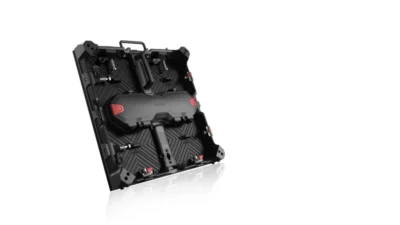
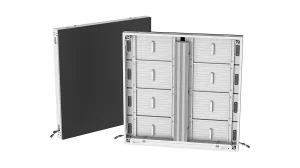
500 × 500 mm die-cast aluminium cabinets with front and rear service. Specify indoor or outdoor p...
The 1000 mm outdoor cabinet when the steel is already a metre grid and you still need finer pitch...
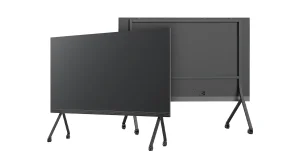
A wall-mounted COB LED display for meeting rooms and large-screen home theaters. Choose 108, 135 ...
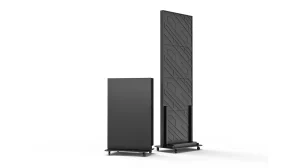
A 640×1920mm indoor mobile LED display on casters, built for repeated deployment. Choose premium ...
Turn a curved wall, column or sculptural form into a display. Plan the shape, pixel layout, struc...
Start with the screen's job, its environment and how it will be installed. A permanent indoor wall, a touring stage and a transparent storefront have different requirements. Then compare the available formats, viewing conditions and maintenance access. Screen dimensions, a site photo and the nearest viewing distance help an engineer turn the shortlist into a specific configuration.
Rental panels are designed around repeated assembly, transport and service between events. Fixed displays are planned around a lasting structure and access for maintenance at that site. Choose according to how the screen will be used, then check the selected series and version. For a recurring event build, discuss cabinet handling, support hardware, flight cases and spare parts together.
Enter the nearest viewing distance and choose the type of content in the size and distance selector. Add screen width and height if known. It checks pixel spacing and whole-cabinet layouts against product dimensions and pixel grids. The results are starting options: important text, graphics and camera use still need checking at the intended distance before you finalize a configuration.
First decide how much of the view through the glass should remain visible, and where the display can be supported. LED Film attaches to the interior side of existing glass. Holographic mesh and Transparent Grid provide other mounting formats. Compare the specific product's mounting method, viewing distance and exposure conditions before choosing a format for your storefront.
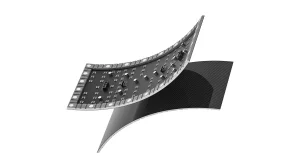
Flex Series is an indoor rental cabinet system for curved and column layouts that are assembled repeatedly. Flexible LED uses flexible modules to build curved surfaces and custom structures. The supporting frame, installation method and selected module configuration are part of that design. Specify whether the display stays in place or travels between events before comparing the two routes.
Send the structure's dimensions, a drawing or photograph, and the faces that should show content. For a column, include its profile and height as well as the space available for installation and maintenance. For a ring, sphere or other shaped display, include the viewing positions. These details determine the display layout, support requirements and content mapping.
Yes, but compare the specified versions rather than treating the whole series as one configuration. Environment, brightness, protection and available pitches may differ. Matrix 500 and Lite include indoor and outdoor versions, while Flex Series is an indoor rental product. Share the exposure conditions and installation method so the quotation identifies the correct version and its supporting equipment.
Open the product page for its technical details and available datasheet downloads. Product guides are requested by email with your name and email address. For a recommendation, include the intended use, screen dimensions, installation environment and viewing distance. Add site photographs or drawings when available so the team can check the display format and prepare a relevant configuration.
Send the screen dimensions, installation environment and nearest viewing distance.
A drawing, a site photo or an early idea. Tell us what you are planning and work through the details with our engineering team.