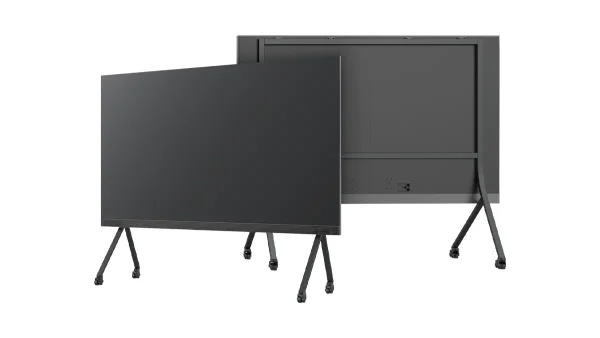
All-in-One COB LED TV
  Flexible LED Displays
  Transparent LED Displays
  Led Poster
  Circular LED Displays
  Column LED Screens
  Creative & Custom LED Displays
 Plan a fixed indoor LED wall from the room outward: closest viewing position, content and geometry first; product route, cabinet layout and budget next. This guide helps AV teams turn those inputs into a brief a factory can engineer.
- Start with the room, not a datasheet. Closest viewer, smallest meaningful content, wall shape and access come before pitch and series.
- Choose pitch and cabinet route together. Block for flexible flat walls; Brick for 500 mm curves and corners; COB Pro for close-view fine pitch; All-in-One for standard 16:9 meeting rooms.
- 2026 EXW panel-only checkpoint: Block about $720–2,035/m² by pitch; COB Pro about $1,390–2,500/m² in the P0.9375–P1.5625 band. Controllers, structure and install typically add 20–40%.
- Lock documents before the PO. Match model codes across drawings, quotes, calibration records, spares and warranty. Block, Brick and COB Pro carry CE, EMC and RoHS.
Start With the Room, Not a Product Datasheet
For a fixed indoor wall, the useful first conversation is about the room. A pitch number quoted without a viewing position, content sample and physical wall condition is only a starting assumption. A good project brief lets the integrator test that assumption before it becomes a purchase order.
Measure the nearest seat, standing point or operator position. Use the smallest real text, chart or interface element when discussing pitch.
Slides, video, retail motion graphics and data dashboards place different demands on native resolution and image detail.
Record screen width and height, mounting surface, service space, ambient light, installation country and programme date.
Use the LED Display Calculator to turn a proposed width, height and pitch into area and pixel dimensions. It is a fast planning step, then the content and physical drawing should confirm the route.
Select Pitch and Cabinet Route Together
Pitch is part of a system decision. Cabinet dimensions determine how naturally the wall fits the architecture; service method affects the finished wall; surface type affects close-view and public-facing use. Start with one of these routes, then validate the final pitch using actual content and viewing distance.
| Route | Start here when | Planning facts | Next step |
|---|---|---|---|
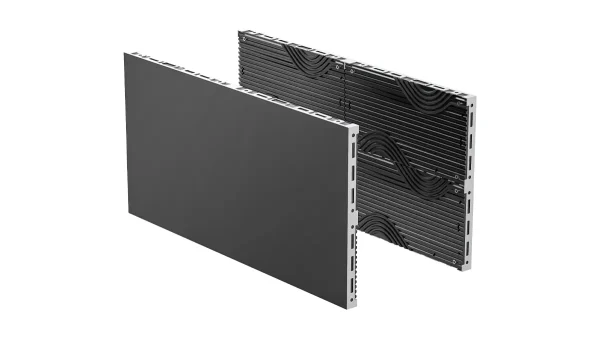
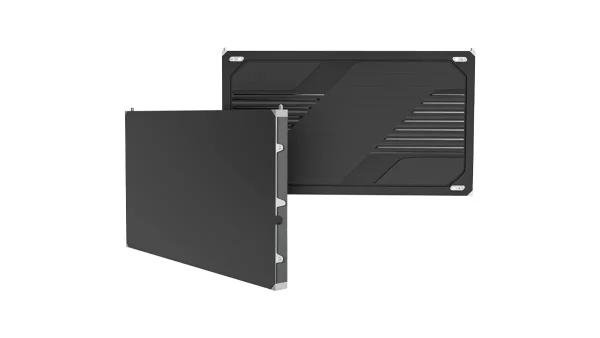
| Block | A flat fixed wall benefits from flexible cabinet combinations. | P1.25–P3.91; 33 mm; 500×250, 750×250, 1000×250 and 1000×500 mm cabinets; front service. | Build the physical wall around the available cabinet sizes. |
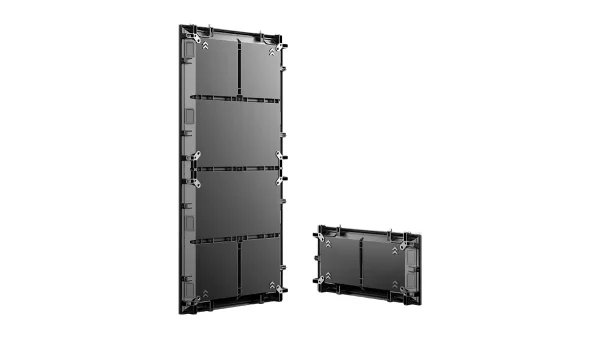
| Brick | The architecture calls for a 500 mm grid, curve or corner. | P1.56–P3.91; 43.7 mm; 500×250 and 500×1000 mm cabinets; front service. | Confirm radius, corner geometry and structure in the drawing. |
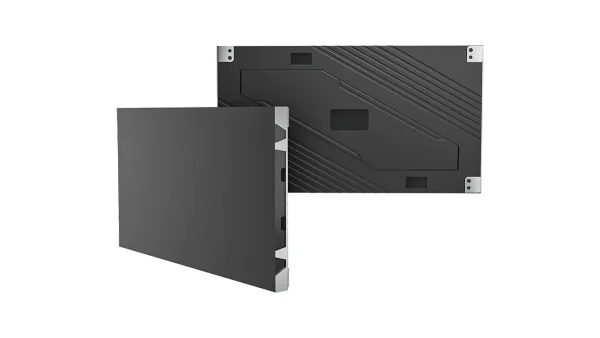
| COB Pro | Close viewers, dense content, public contact or a matte surface are central to the brief. | P0.62–P1.875; 600×337.5×33 mm; 4 kg reference cabinet weight. | Compare close-view performance and full project scope with the alternative route. |
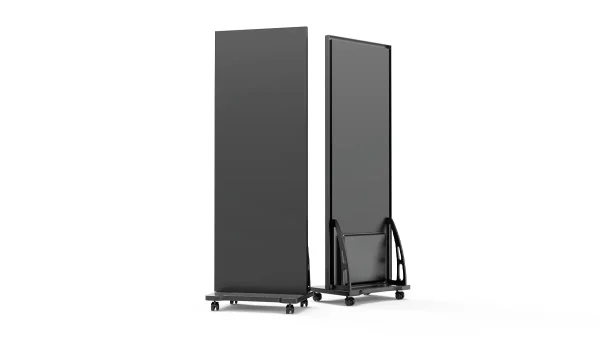
| All-in-One LED TV | A standard 16:9 meeting, presentation or collaboration display is the core need. | An integrated meeting-room route rather than a custom wall layout. | Confirm diagonal size, source workflow and room layout. |

Cabinet construction and service planning belong in the selection conversation, alongside pixel pitch.
Match the Surface and Form Factor to the Space
The same room can lead to different products when the wall is changed from flat to curved, or when people approach the display closely. Treat geometry and surface use as design inputs, not additions to make after the series is selected.
- Flat wall with irregular dimensions: begin with Block cabinet combinations and resolve the exact width and height in the layout.
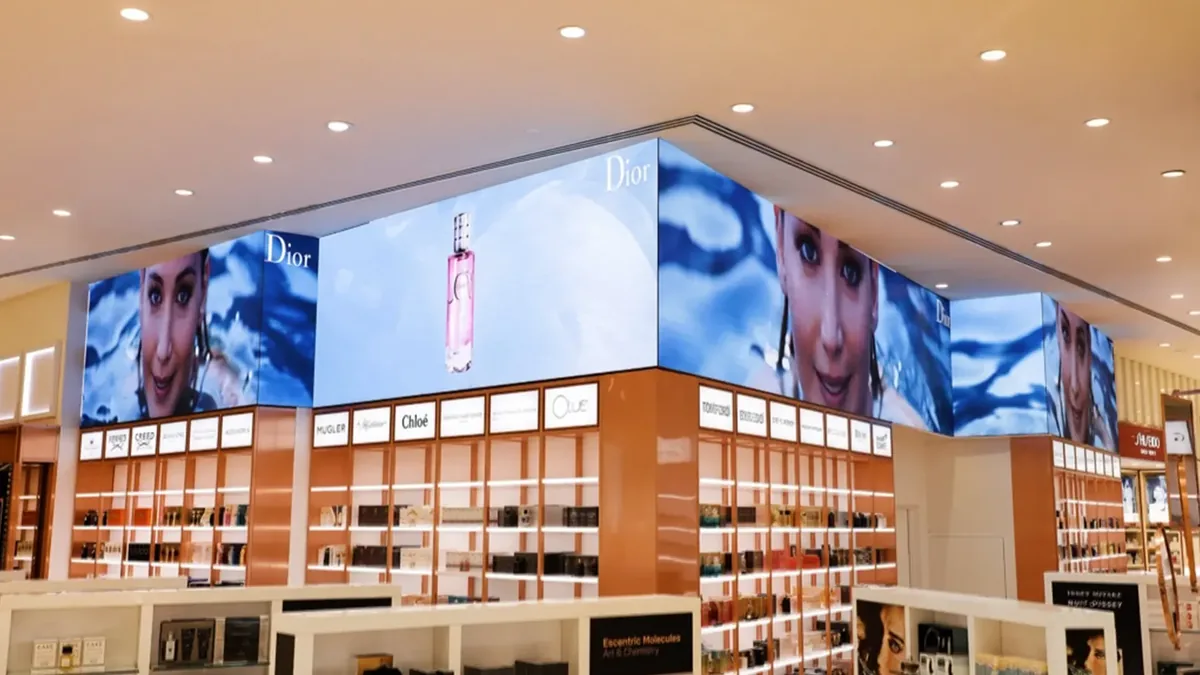
- Curve, column wrap or corner: begin with Brick and provide radius, angle, elevation and structural drawing.
- Close-view information or public-facing surface: evaluate COB Pro alongside the requested pitch, content and maintenance plan.
- Standard meeting-room presentation: evaluate the All-in-One LED TV route before commissioning a custom cabinet layout.
For round-the-clock, close-view or data-dense environments, review content, viewer distance and duty cycle with the engineering team early. The best route is the one that matches the real operating environment and the wall build.
Set a Budget Checkpoint Before You Compare Quotations
Use the area of the finished display and a consistent commercial scope. The following are 2026 USD reference bands per square metre, EXW Shenzhen and panel-only. They are a planning checkpoint rather than a finished project invoice.
| Route | Reference pitch | 2026 panel reference |
|---|---|---|
| Block | P1.25–P3.91 | USD 720–2,035/m², depending on pitch |
| COB Pro | P0.9375–P1.5625 | USD 1,390–2,500/m², depending on pitch |
| Brick / All-in-One | Layout dependent | Request an EXW budget against the approved layout and scope |
For a comparable complete system plan, allow a further 20–40% above the panel reference for the project components and work required. Compare every supplier using the same screen area, pitch, control scope, structure, spares, packing, freight terms and installation responsibility. For the full COB price bands and wall-budget examples, see COB LED display cost.
Plan Service and Project Documents Before the PO
Front service is useful when the finished wall leaves limited working space behind the display. Block and Brick are planned for front service; the architectural drawing should still define the installation and removal sequence. The physical wall, access method and electrical plan must use the same cabinet layout.
Ask the quoted supplier for the exact module and cabinet drawings, cabinet layout, native resolution, average and maximum power, control topology, calibration records, spare schedule, warranty scope and packing list. For these product routes, match the model code across the quotation, drawings, product documents and purchase order. Block, Brick and COB Pro carry CE, EMC and RoHS.
Use These Seven Project Checks
- Physical screenConfirm finished width, height, elevation and the cabinet layout that creates it.
- Viewing and contentState the closest viewer, source resolution and smallest meaningful text or data element.
- Surface and geometryIdentify flat, curve, corner or standard 16:9 presentation format.
- Mounting and accessInclude wall condition, structure, front-service process and site working constraints.
- Electrical and controlCheck maximum power, circuit plan, source workflow and the required refresh performance for the actual camera and content requirements.
- Documents and sparesMatch drawings, model codes, calibration information, warranty scope and spare quantities.
- Commercial scopeCompare EXW panels, control, structure, packing, freight, installation, commissioning and delivery timing as separate lines.
Use the Scenario Reference as a First Route, Then Engineer It

| Space | First route to evaluate | Why it starts there |
|---|---|---|
| Lobby or reception | Block or Brick, often P1.953–P2.5 | Content, architecture and cabinet geometry usually lead the brief. |
| Retail close-view wall | Block or COB Pro | Viewer proximity and the surface experience deserve early review. |
| Meeting or boardroom | All-in-One LED TV or Block | Start with the collaboration format and content workflow. |
| Control or data-rich room | COB Pro evaluation | Close viewing, data content and operating schedule shape the decision. |
| Curved or corner feature | Brick | The geometry and 500 mm grid must be established before price comparison. |
A practical reference is the Shenzhen Block reception project: a P1.953, 38.5 m² wall using 98 cabinets, delivered in four weeks. It is evidence of one completed configuration, not a substitute for the room-specific layout.
Send screen width and height, closest viewing distance, content, installation form, country and required date. Our engineering team will return a suitable series and pitch, cabinet layout, native resolution, estimated power and EXW line items.